
Cleaning Customer Emails Exported From Shopify or WooCommerce
Checkout forms collect typos and throwaway addresses. How to export your customers, verify them and make your order emails and promotions arrive.
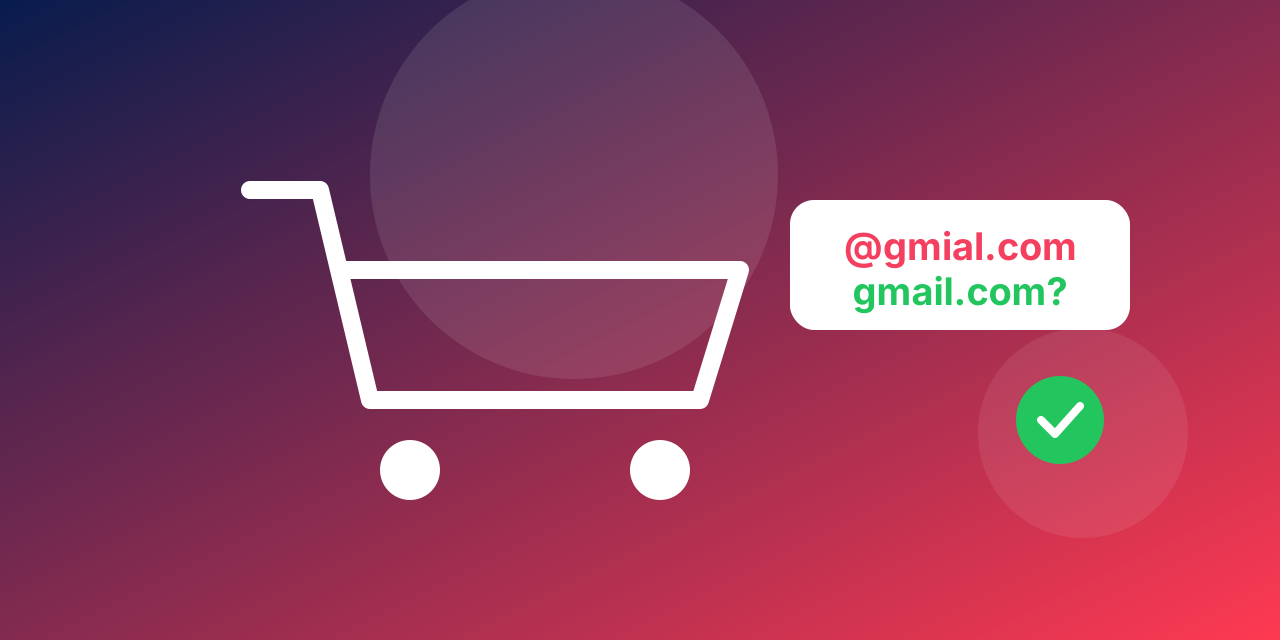
Online shops collect email addresses at checkout, from account sign-ups and from pop-ups. People type quickly on phones, and some give a throwaway address to get a discount code. The result is a customer list with a share of addresses that will never receive an order confirmation or a promotion.
Why it matters for a shop
Order confirmations and shipping updates that bounce mean customers write to support asking where their order is. Promotions to a list full of dead addresses cost you reputation, and the people who do read them get less of your mail in their inbox.
Step 1: Export your customers
In Shopify, export the customer list from the customers page as a CSV file. In WooCommerce, use the built-in export of customers or orders, or a plugin that exports billing emails. Keep the email column and, if you like, the date of the last order.
Step 2: Tidy the file
Remove duplicates, because the same customer often appears in several orders, and remove empty rows. Trim spaces and lower-case the addresses.
Step 3: Verify
Upload the file on the bulk verification page and download the report. Look at three groups: invalid addresses, which are typos and dead mailboxes; accept-all and risky addresses, which need care; and valid addresses, which are your working list.
Step 4: Act on the results
- Invalid: do not send promotions to them. If they are recent customers, check the order for a phone number and use another way to reach them about their order.
- Typos: an address like [email protected] is clearly a customer who made a mistake. If you can match it to an order, correct it in your records.
- Accept-all and risky: keep them for order mail, and include them in promotions after the valid group has gone out.
- Valid: your promotional list.
Do it before the busy season
Clean the list a few weeks before your biggest sale, so there is time to fix surprises. Shops with two or three peaks a year are a natural fit for credits that you buy once and use within 12 months, with no subscription to carry in the quiet months. The pricing page has the current packs, and a new account gets free credits to test on a sample.
Finally, consider asking customers to confirm their address at checkout by typing it twice. It catches many typos before they enter your list.
Mistakes shops make with customer emails
- Mixing order mail and promotions. Treat transactional mail separately, because it matters even for people who unsubscribed from promotions.
- Importing store customers into a newsletter tool without a check. Make sure people agreed to marketing before you import them, and verify the addresses.
- Ignoring guest checkouts. Guest orders often have the most typos, since there is no account sign-up step to catch them.
- Cleaning only before the sale. New orders keep adding addresses. A smaller check every quarter keeps the list healthy.
Questions people ask
Can I verify addresses at checkout? Yes, with an API call from your store, which suits stores with developers. For most small shops, a batch clean of the exported list is simpler.
What do I do with disposable addresses? Order mail still has to go to the address the customer gave. For promotions, a disposable address is not worth keeping.
How often should a shop clean its list? At least before each big campaign, and after any large import. For a shop with steady orders, a quarterly check is a good habit.
Mind the customer record
Keep the order history and consent status in your shop system and use the verified file only to decide who is safe to email. Never overwrite customer records with cleaned data without a backup.
